How to Ship with Dropo
From shipment details and service selection through your estimate, pickup, delivery updates and Proof of Delivery.

HOW IT WORKS
Dropo makes business delivery simple—from the moment you request a pickup to the moment it reaches its destination.
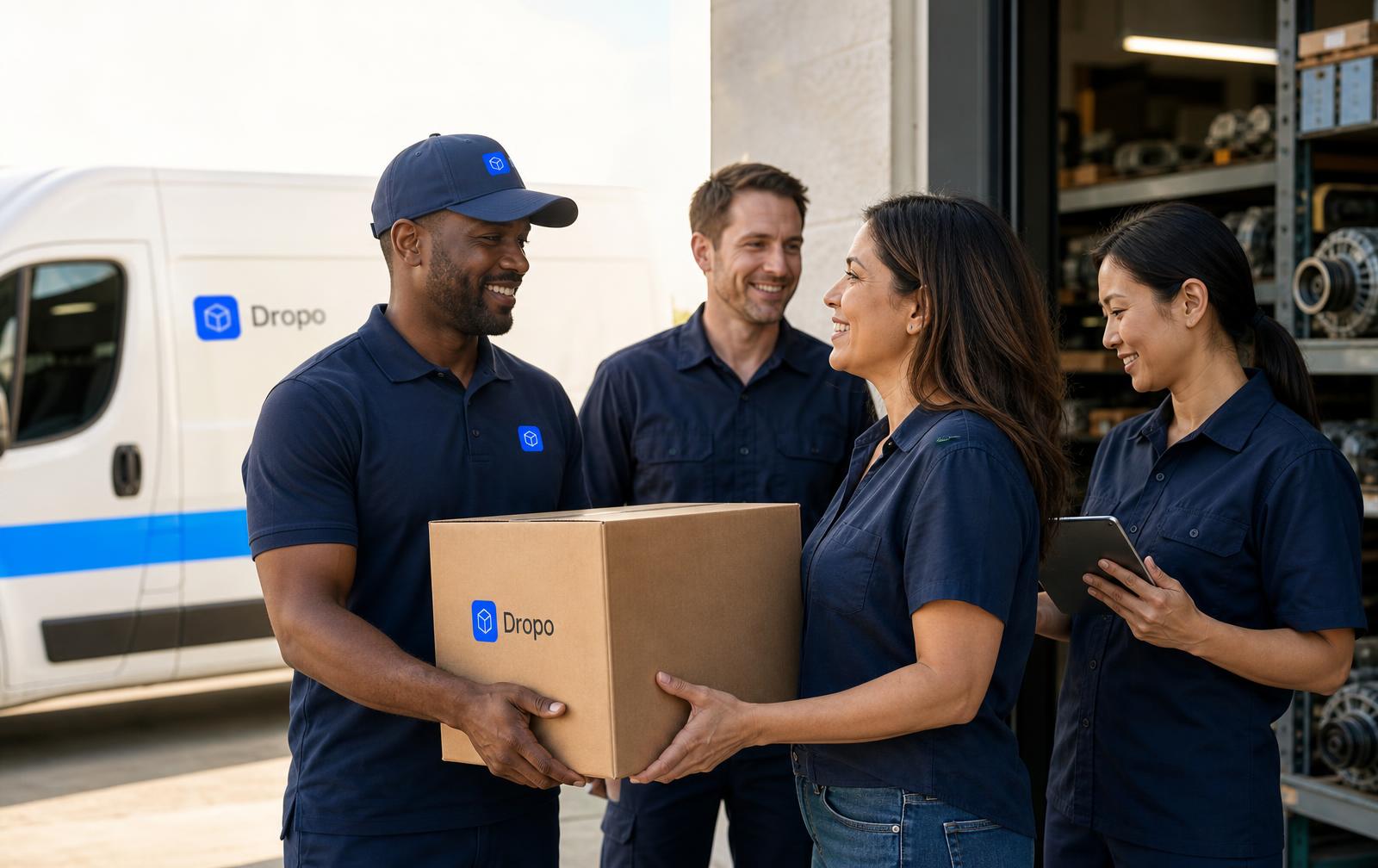
DELIVERED
Delivery complete
2:34 PM
Proof of delivery captured
THE PROCESS
Tell Dropo what needs to move and where it needs to go. Get an instant quote.
The delivery is coordinated and assigned to the appropriate driver and vehicle type.
Follow delivery progress in real time, from pickup to drop-off, with live ETA updates.
The delivery is completed with digital proof of delivery — photo and/or signature.
See the estimated cost and vehicle match before a request is submitted.
Businesses follow status and ETA; drivers see pickup, drop-off and pay before accepting.
Photo and/or signature confirmation closes out the delivery record.
THE JOURNEY
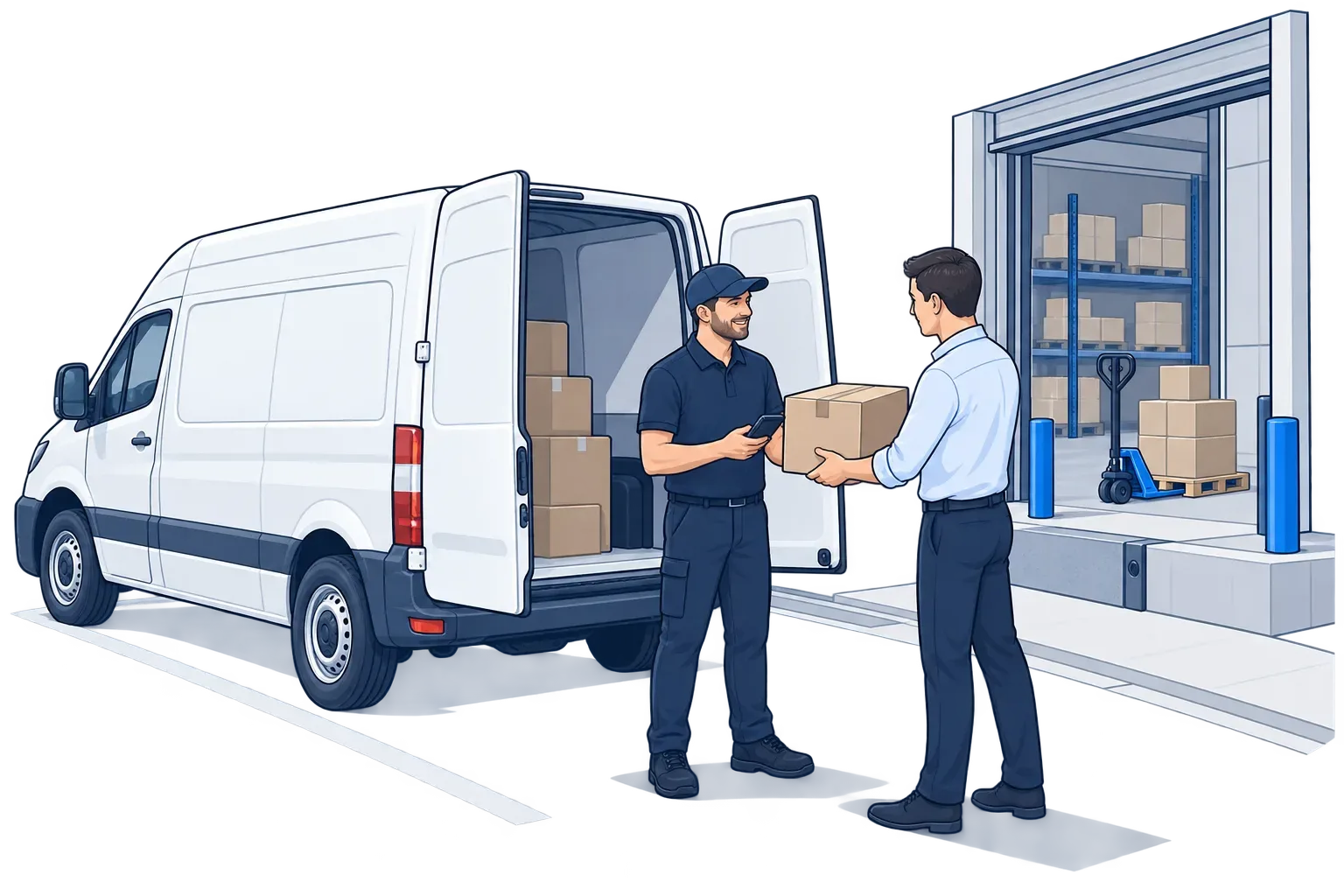
01
A Dropo driver arrives at your location, verifies the shipment and loads it carefully into the right vehicle for the job.
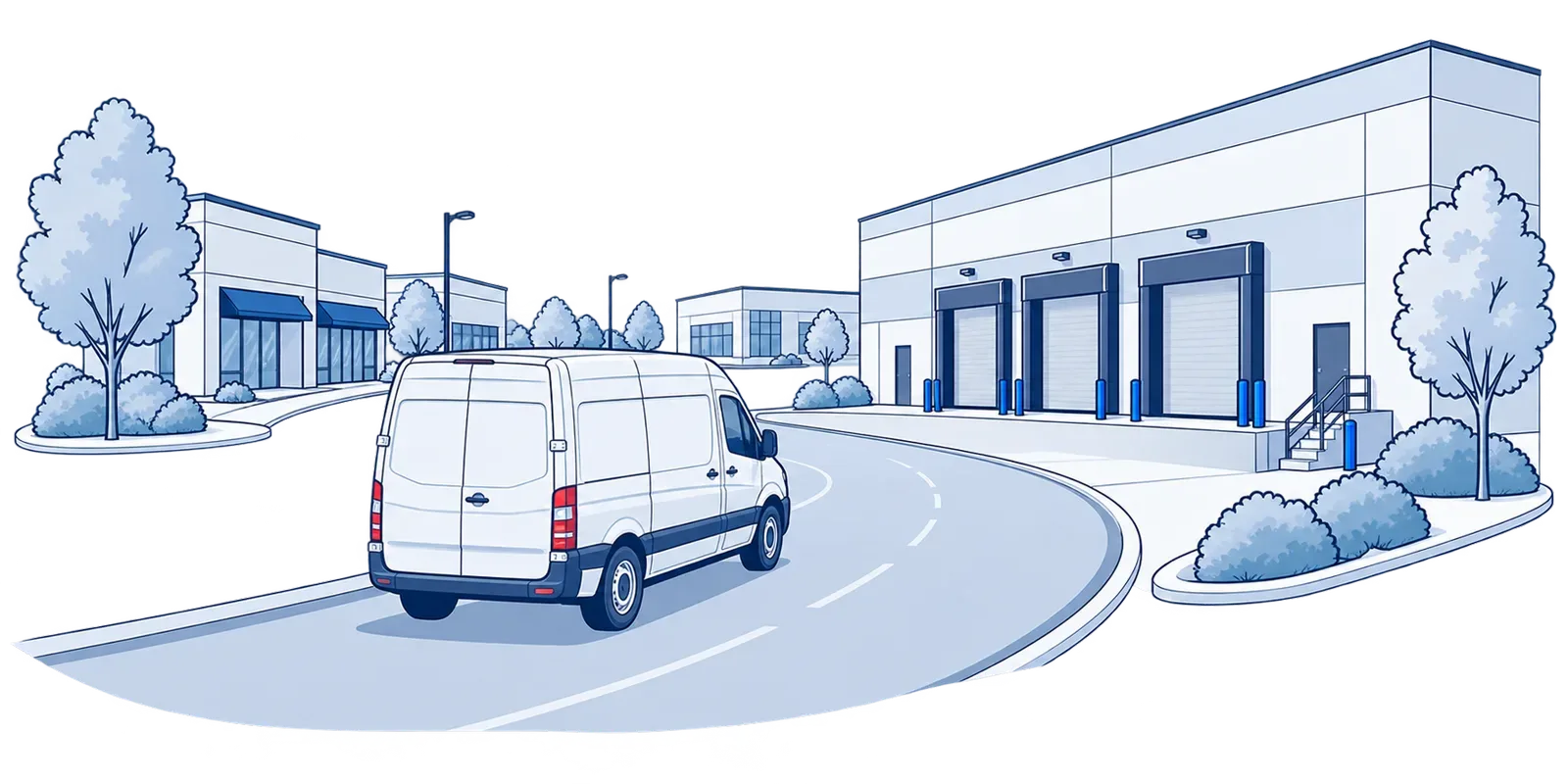
02
Your shipment moves on one continuous route to the destination, with live status and ETA visible the whole way.
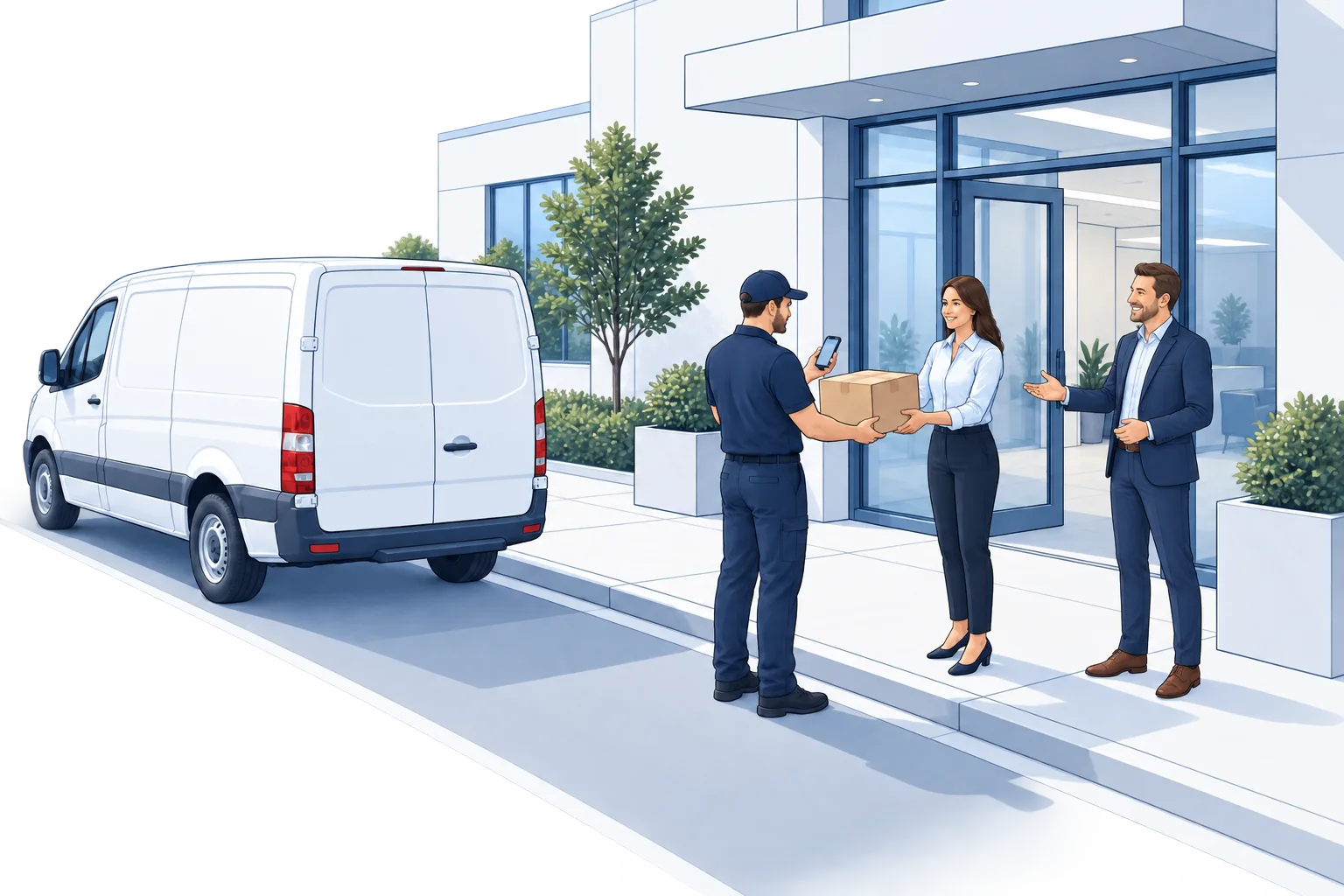
03
The driver completes the hand-off to your recipient and captures digital proof of delivery — photo and/or signature.
TWO SIDES, ONE NETWORK
Dropo runs one network with two clear paths. Pick the side you're on and follow the full process end to end.
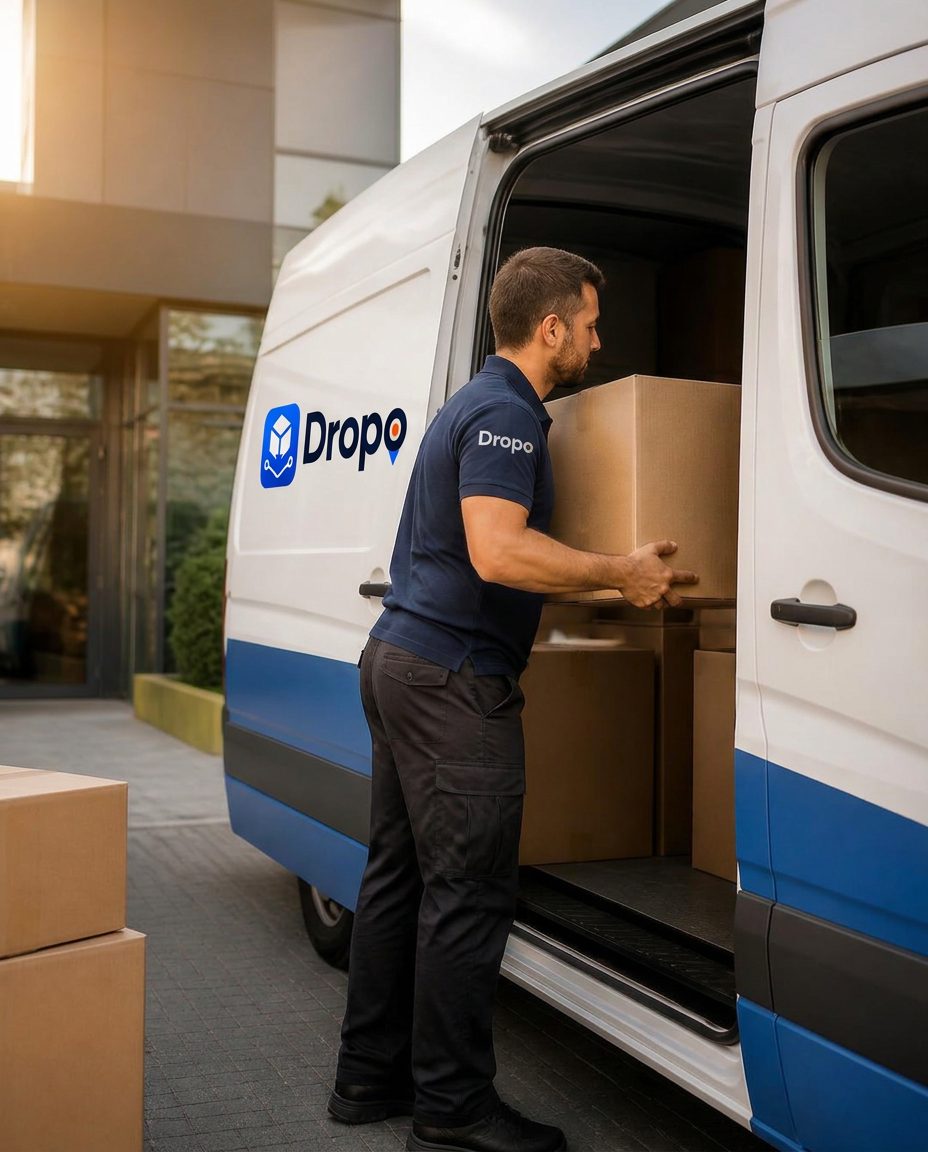
How a business delivery moves.
SHIPPING WITH DROPO
From the first request to signed proof of delivery, every Dropo business delivery follows the same six visible steps inside your Business Account.
Add your company details, delivery locations and the people who request deliveries. One account holds every shipment your team creates.
Create a business accountEnter pickup and destination, shipment category, vehicle type and access notes, then choose Deliver Now, Same Day or Schedule for Later.
Request a deliverySee the estimated delivery cost, vehicle match and route assessment before you submit. Regional requests outside standard coverage are flagged for review.
Get an estimateDropo coordinates the delivery and assigns a vetted driver with the right vehicle for the load — cars and SUVs through cargo vans and box trucks.
Watch status move from assigned to picked up to delivered, with ETA visibility for every active shipment in your dashboard.
Sign in to the Business DashboardCompleted stops close out with photo and/or signature confirmation, then roll into delivery history, reporting and billing.
Estimates, ETAs and route eligibility depend on distance, vehicle availability and shipment details. Coverage varies by destination.
FAQ
Dropo Video Center
Two short guides: shipping with Dropo, and driving with Dropo.
From shipment details and service selection through your estimate, pickup, delivery updates and Proof of Delivery.
Review the requirements, apply from your phone, understand the review process, and see what your first Dropo delivery looks like.
Dropo Video Center
Short guides covering requesting delivery, following status and driving with Dropo.
Dropo videos are educational overviews. Service availability, eligibility and delivery options vary by request. Nothing in a video creates a guarantee of approval, availability or delivery timing.